
ImageLayered
Turn Any Image into Editable Layers
Awards
Tool of the Day September 4, 2026
Tool of the Week September 5, 2026
Tool of the Month September 30, 2026
About
- ImageLayered* is an AI-powered image layer separation tool that transforms a flat image into multiple editable RGBA layers. Instead of manually selecting objects, creating masks, removing backgrounds, and rebuilding hidden areas in Photoshop, users can upload an image and let AI automatically decompose the composition into separate visual elements. Each layer can then be moved, resized, recolored, replaced, or exported independently.
What Is ImageLayered?
ImageLayered is designed for anyone who needs to edit an existing image but does not have access to its original layered source file. It can identify important elements such as people, products, furniture, text, decorations, and backgrounds, then create a structured collection of transparent layers. A key difference from standard background-removal tools is that ImageLayered does not simply separate the foreground from the background. It can create multiple layers and intelligently reconstruct areas that were previously hidden behind overlapping objects. This makes the resulting image layers more useful for creative editing and composition changes.Features
- Automatic Layer Decomposition* allows users to turn a flattened image into multiple transparent layers without manually selecting or masking individual objects.
- Smart Background Reconstruction* attempts to fill in hidden areas behind separated objects, making individual elements more complete and easier to reposition.
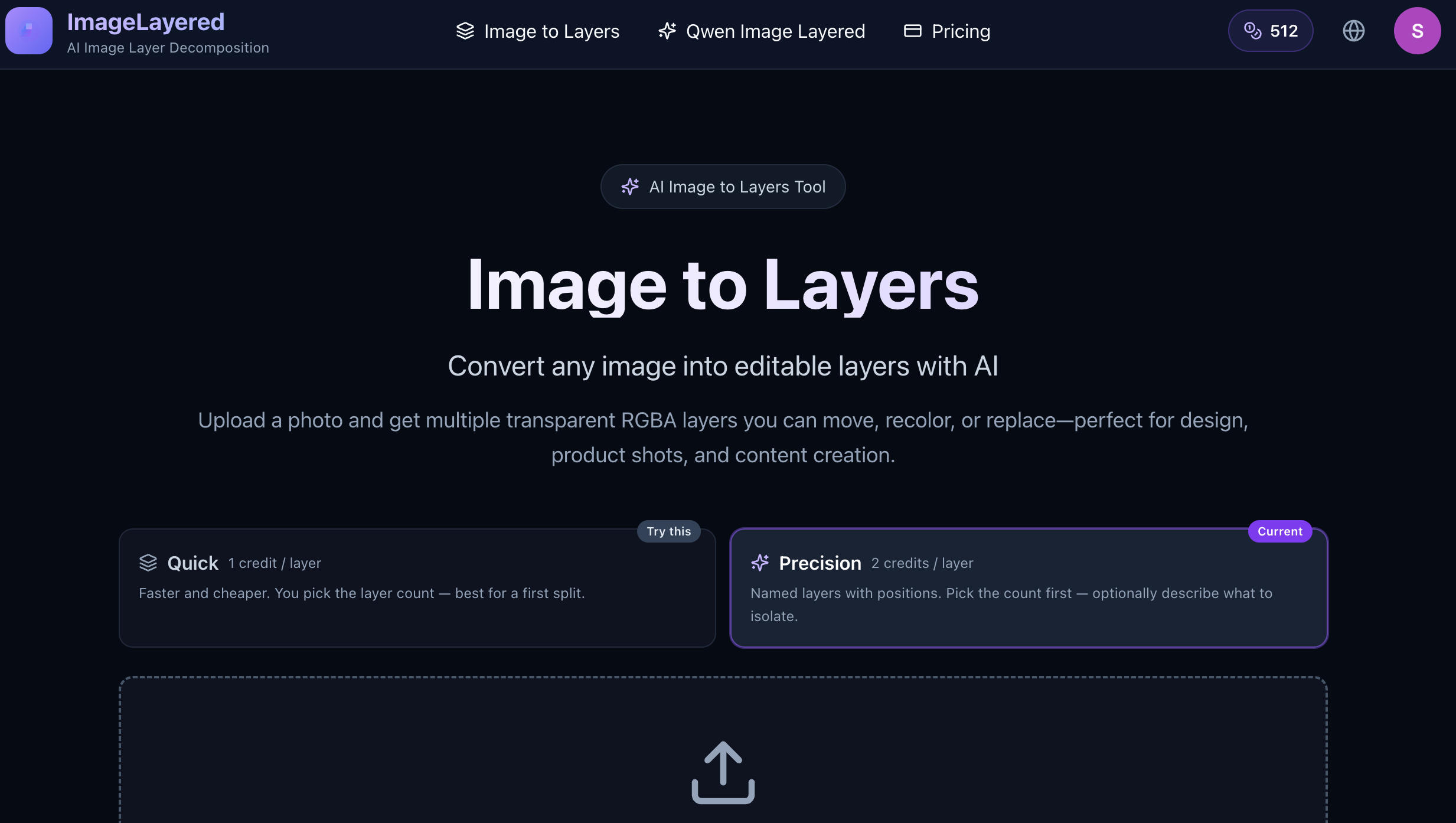
- Flexible Layer Control* lets users choose how many outputs they want. Precision mode also allows users to provide custom instructions describing which elements should be isolated.
How to Use ImageLayered
Using ImageLayered is simple. First, upload a suitable image to the website. Depending on your needs, choose Quick Layers for a fast automatic split or Precision Layers when you want more control over the number of layers and the elements being extracted. Next, let the AI analyze the image and generate the layer stack. The system identifies the visual elements, separates them, and reconstructs hidden areas where necessary. Once processing is complete, you can review the generated layers and download the transparent outputs for further editing. The generated PNG layers can be imported into Photoshop, Figma, or other design applications that support transparency.Who Is ImageLayered For?
ImageLayered can be useful for graphic designers, e-commerce businesses, marketers, content creators, game developers, and social media teams. It can help create product variations, redesign marketing materials, change backgrounds, produce different ad formats, or reuse existing visual assets.Conclusion
Overall, ImageLayered makes image decomposition much faster and more accessible by combining AI-powered object separation with transparent layer output and background reconstruction. Instead of starting from a flattened image and rebuilding everything manually, users can quickly recover editable visual elements and continue working with them.- Upload an image. Separate the elements. Edit every layer.*