
Save Gmail Emails as PDF in Bulk
Bulk export Gmail to PDF and print, 100% in your browser
About
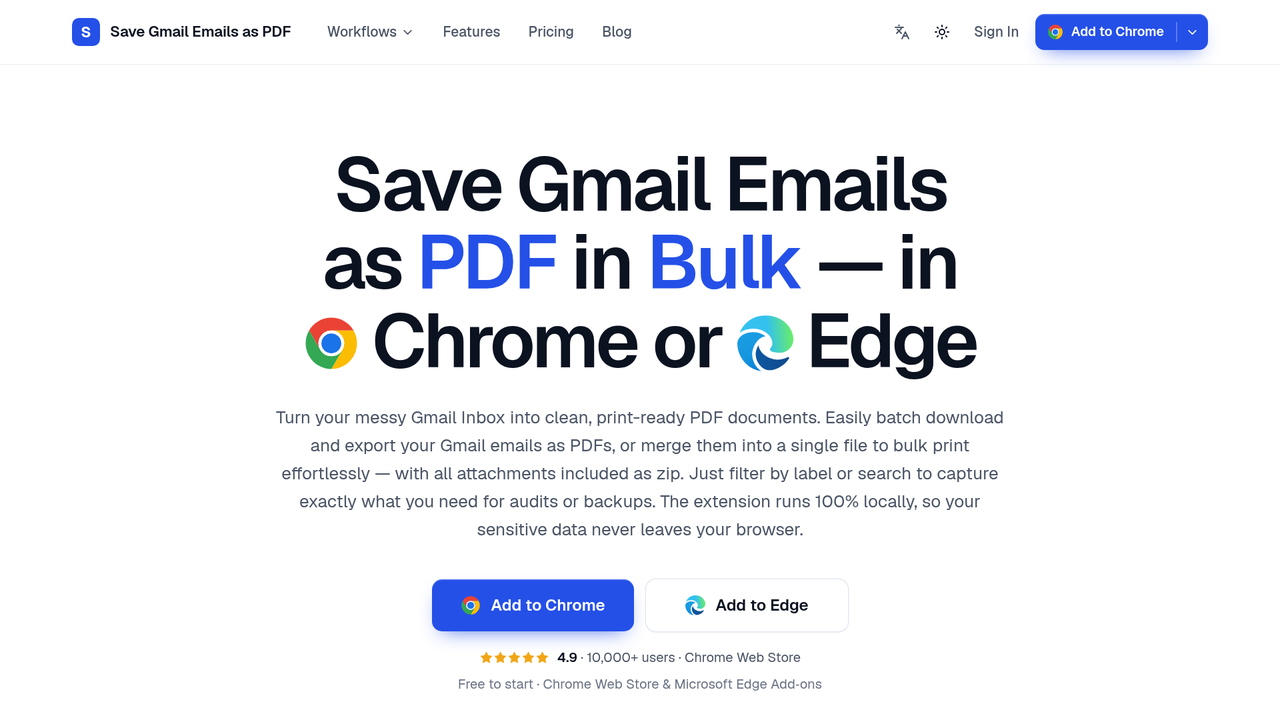
Chrome and Edge extension that saves Gmail emails as PDFs in bulk, merges up to 50 into one PDF to save or print, and keeps attachments. Nothing is uploaded.Features
- Bulk export selected emails, a label, or a search result, each conversation saved as its own PDF
- Merge up to 50 conversations into one PDF, one email per page, to save or print as a single job
- Attachments saved alongside each PDF in a zip, with original files intact
- Adds PDF and Print buttons to Gmail's own toolbar, with no setup after installing
- Custom filename template built from date, sender and subject, plus portrait or landscape and eight paper sizes
- PDFs generated locally in your browser, so no email or attachment is uploaded to any server
Use Cases: Run Business Connect & Collaborate
Software Types: Extension/Plugin
Pricing Model Freemium
%22%2F%3E%3Ctext%20x%3D%2224%22%20y%3D%2225%22%20font-family%3D%22system-ui%2C-apple-system%2Csans-serif%22%20font-size%3D%2224%22%20font-weight%3D%22700%22%20fill%3D%22%23fff%22%20text-anchor%3D%22middle%22%20dominant-baseline%3D%22central%22%3ED%3C%2Ftext%3E%3C%2Fsvg%3E)